Turn your playlist into a home screen you love to open
Vuleo Player gives your movies and series posters, plots and ratings. Continue any episode from the second you stopped. Your live channels load fast, with a guide that shows what is on now.
Download Vuleo Player free today. Open it and add your playlist, with no sign-up and no ads.
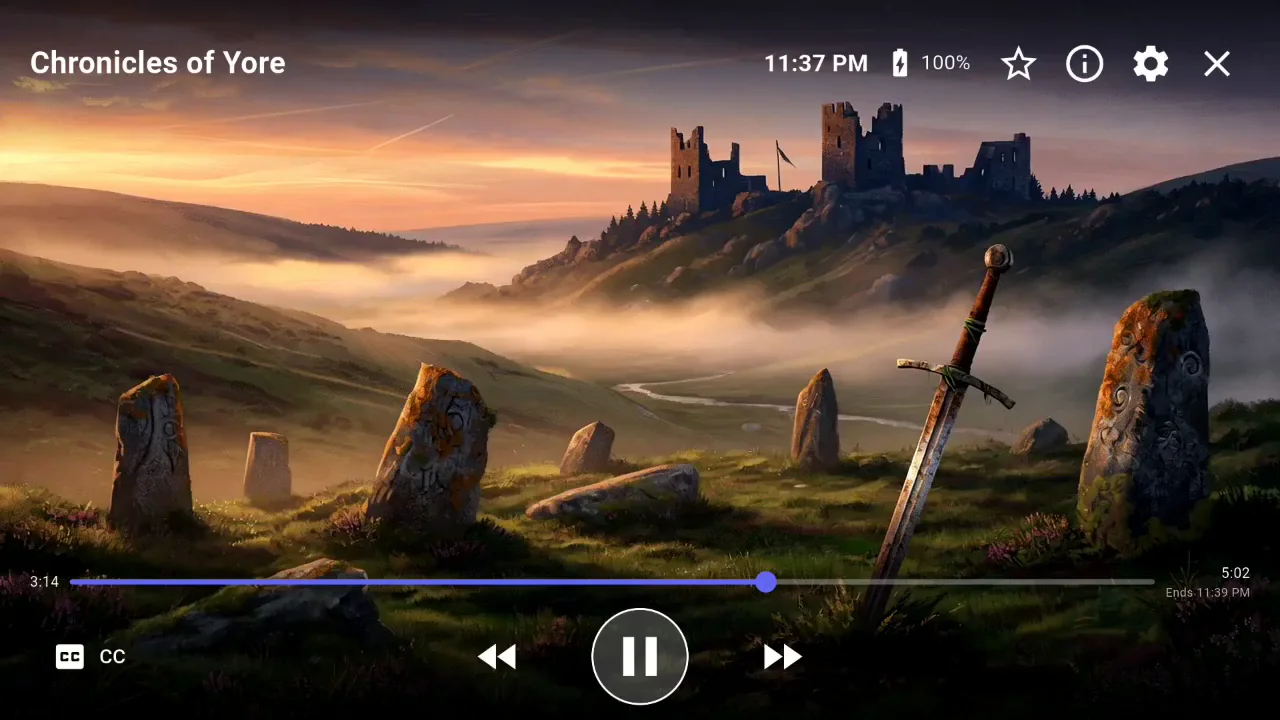
Come back to the exact second you left
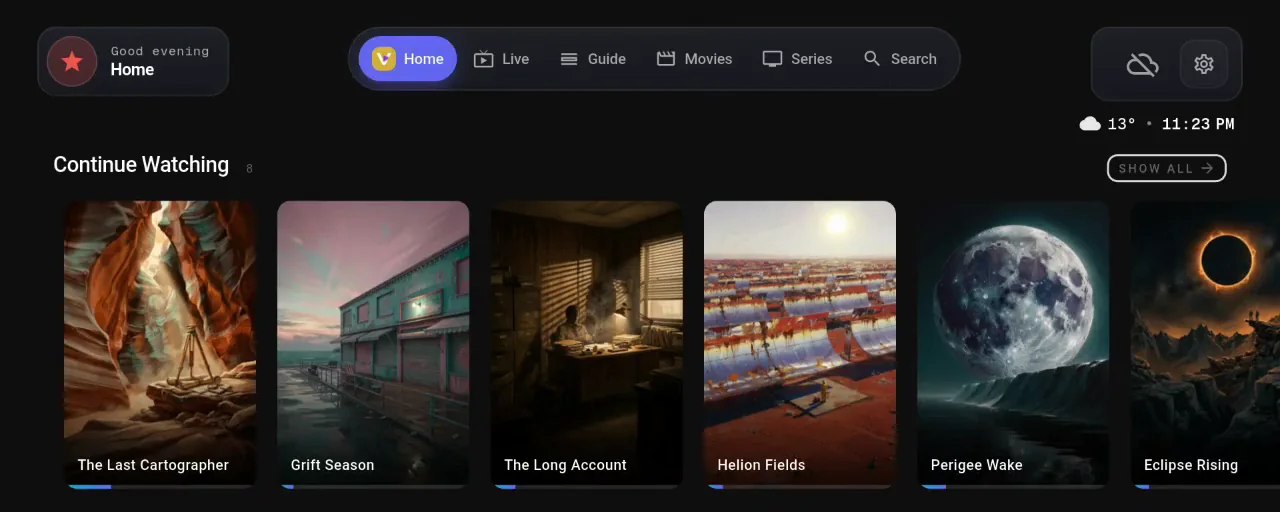
The Continue Watching row on the home screen holds each movie and episode you started. Each one plays from the second where you stopped. When an episode ends, the next one is ready.
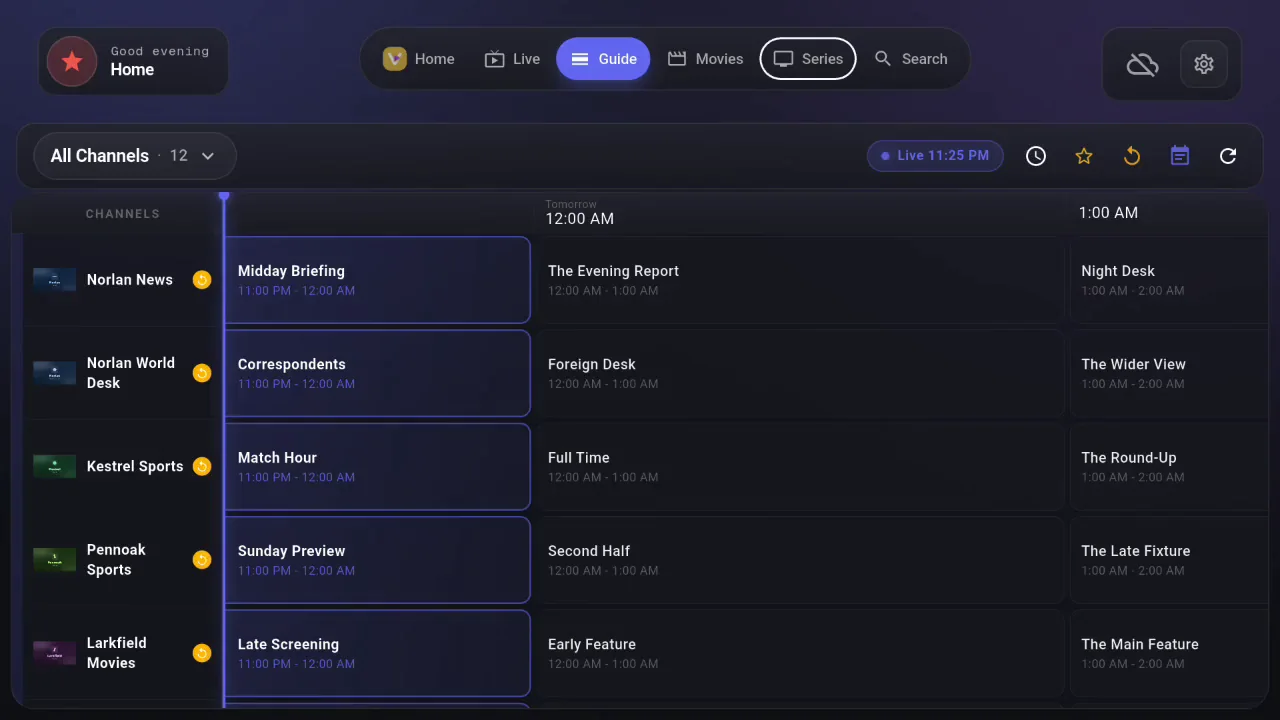
Know what is on before you tune in
Vuleo sorts the channels from your source into categories. The program guide (EPG) also shows what comes next on each channel.
Vuleo reads standard XMLTV guides in the background. A guide file over a gigabyte still loads.
On a TV or computer, the highlighted channel plays in a small preview window. With PRO, record a program from the guide and watch it later on that device.
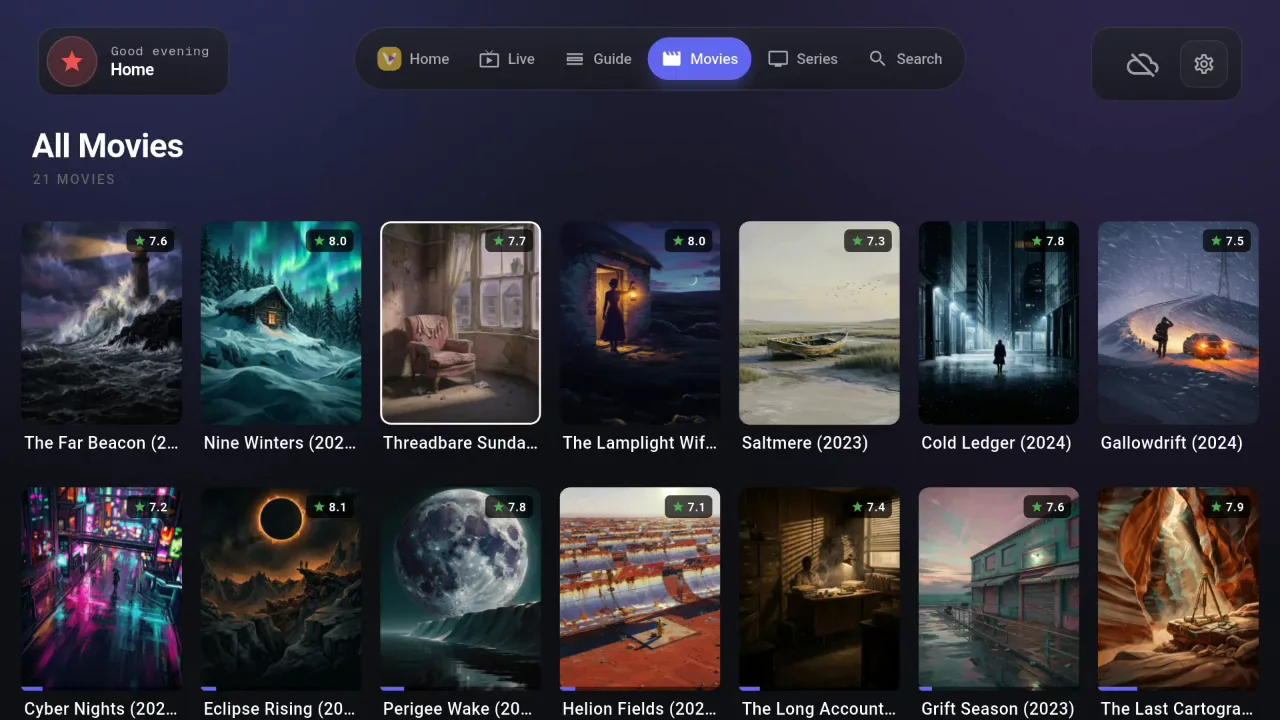
Find tonight’s movie by its poster
TVDB is an online database of movies and TV shows. Vuleo looks up each title in your playlist there. It adds the poster, plot, rating and runtime. Posters sit in rows and grids that are easy to scan. Seasons and episodes are sorted for you.
Vuleo Player
Watch live TV, movies and series from your M3U or Xtream Codes sources. Vuleo keeps your place in each one.
About the playerVuleo Server
Point Vuleo Server at a folder or an M3U playlist. It serves your media over M3U and the Xtream Codes API. You do not need to configure anything.
Set up the server